Circleback vs Granola
Where they differ

Only on Circleback
- Speaker identification
- Summarization
- Task management
- Also on Web
From the pricing tiers and capability tags we track. A capability missing on one side means we have not recorded it there, not that the tool cannot do it.
At a glance
Circleback and Granola both appear in this directory's productivity listings. Prices below were read from the vendors' own pages, most recently on October 19, 2026. Granola starts at $14/mo; no paid figure is confirmed for Circleback. We track speaker identification on Circleback and notes on Granola; both cover meeting notes and transcription. No score and no winner: the facts do the picking.
Capability tags are factual labels we assign when a tool is added; they describe what a tool does, not how well it does it.
Checked against the vendors. Written from each vendor's own site and last re-checked there: Circleback on October 9, 2026 · Granola on October 19, 2026. Vendors change pricing and features without notice, so confirm anything that decides your purchase on the vendor's page.
Circleback
AI meeting productivity platform for notes and action items
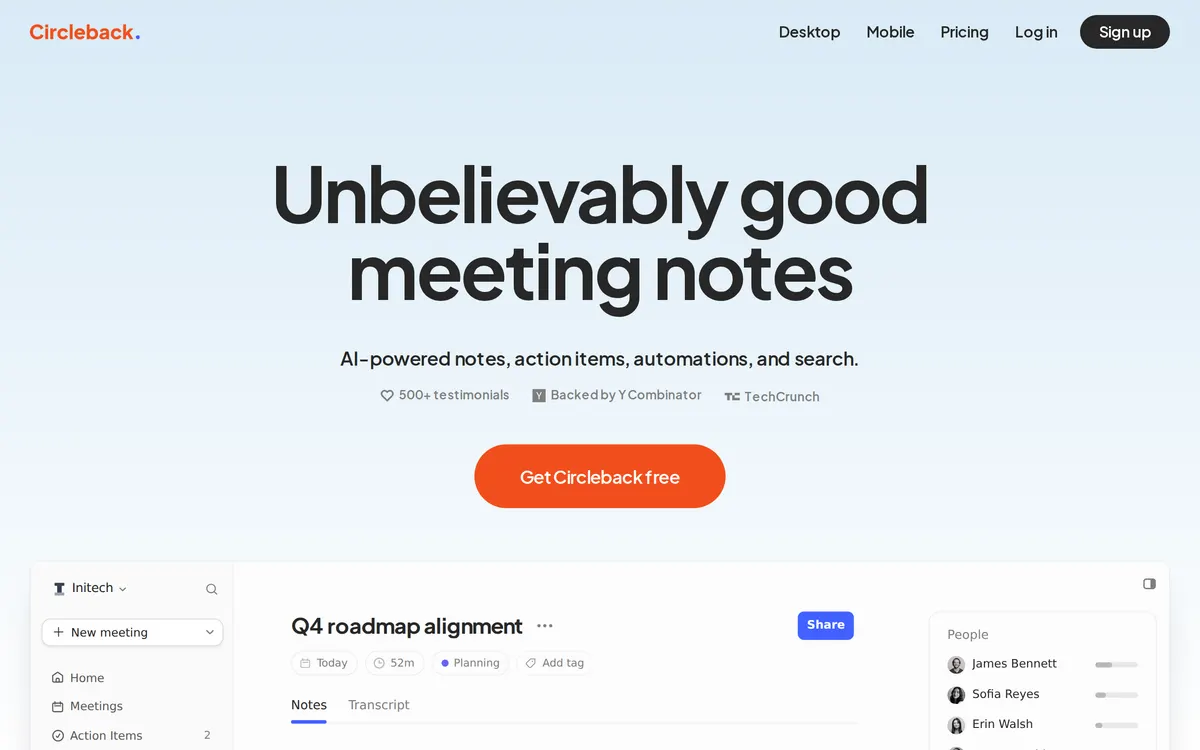
Circleback is an AI meeting productivity platform that turns conversations into speaker-labeled transcripts, detailed notes, and assigned action items. It supports online meetings, in-person discussions, Slack huddles, and imported phone calls across Mac, Windows, iOS, Android, and Apple Watch.

Granola
AI notepad for back to back meetings
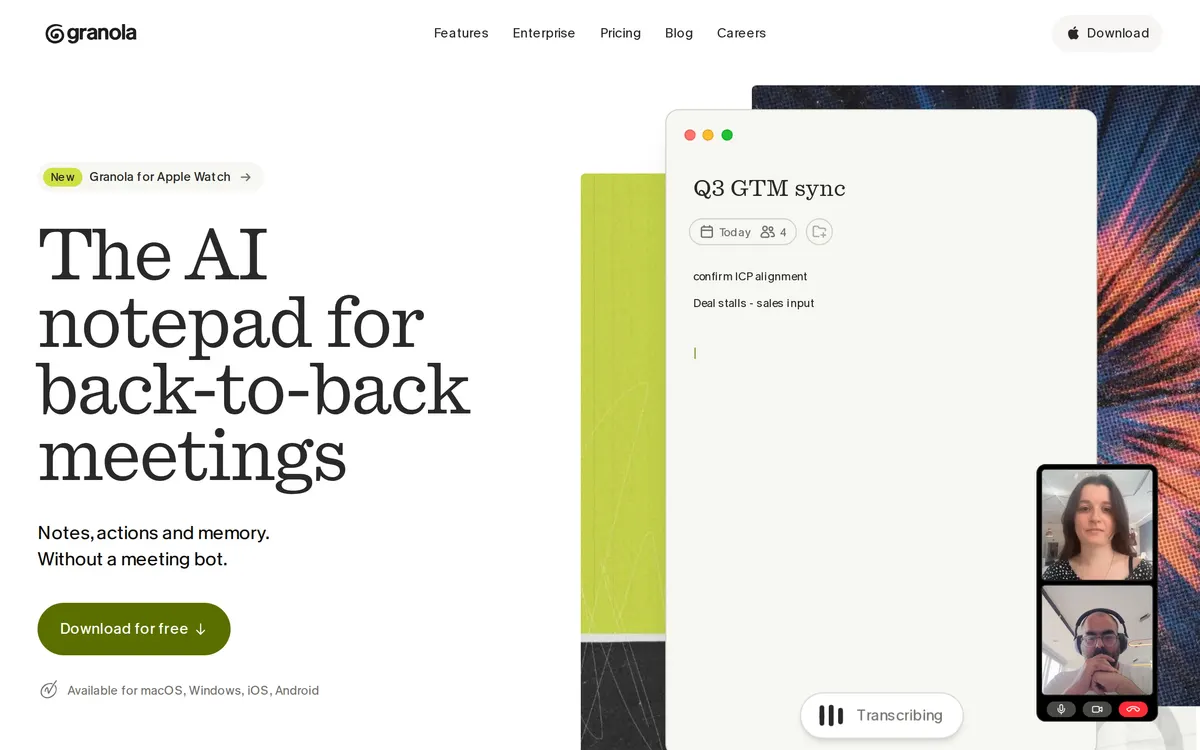
Granola is an AI notepad that enhances human meeting notes using real-time transcription without relying on meeting bots. It runs on macOS, Windows, iOS, and Android while deleting raw audio immediately after processing. The app provides over 29 templates and supports AI chat across past conversations with source citations.
Also in productivity
A tool we have an affiliate relationship with. It is not part of the comparison above and we are not calling it the better pick.

- Transcribing and summarizing video calls across conferencing platforms
- Tracking conversation analytics like speaker talk-time and sentiment
- Syncing meeting notes and action items to CRMs and project management tools
Key features
Circleback
- Speaker-labeled transcripts and detailed notes
- Automatically extracted and assigned action items
- Botless desktop recording and mobile capture
- Public API, MCP server, and CLI access
- Integrations with Slack, Notion, Linear, and HubSpot
Granola
- Bot-free capture using direct microphone and system audio
- Human-guided AI note enhancement in gray text alongside user notes
- Pre-meeting Briefs auto-generated from calendar and previous context
- Cross-meeting AI Chat with source citations
- Custom prompt Recipes for follow-up emails, PRDs, and action items
What each one does well
Circleback
- ✓ Capturing speaker-labeled transcripts and notes for online and in-person meetings
- ✓ Tracking and assigning action items across workspace-wide task lists
- ✓ Querying past meeting history and email threads through AI assistants
Granola
- ✓ Executives and founders conducting confidential meetings without bots
- ✓ Teams needing to search context across months of past conversations
- ✓ Notetakers who want manual jotting combined with AI transcript enhancement
People also ask
Does Circleback or Granola have a free plan?
Both Circleback and Granola publish a free plan.
What is the difference between Circleback and Granola?
Circleback and Granola are both tracked for meeting-notes, transcription. Of the capabilities they do not share, only Circleback is tracked for speaker-identification, summarization, task-management, ai-search, and only Granola is tracked for notes, ai-chat, templates.
How much do Circleback and Granola cost?
Circleback: free. Granola: free plan, then $14/mo.
Answers are generated from the tracked plans and capability tags shown above, so they move when the vendors' pages do.
Full fact sheets, FAQs, and discussion links: Circleback · Granola · all productivity tools