Cline vs GitHub Copilot
Where they differ

Only on Cline
- Agentic coding
- Code editor
- Codebase context
- Also on macOS, Windows, Linux and API

Only on GitHub Copilot
- Code completion
- AI chat
- Pair programming
- Also on Web, iOS and Android
From the pricing tiers and capability tags we track. A capability missing on one side means we have not recorded it there, not that the tool cannot do it.
At a glance
Cline and GitHub Copilot both appear in this directory's code listings. Prices below were read from the vendors' own pages, most recently on October 26, 2026. GitHub Copilot starts at $10/mo; no paid figure is confirmed for Cline. We track agentic coding on Cline and code completion on GitHub Copilot; both cover ide integration. No score and no winner: the facts do the picking.
Capability tags are factual labels we assign when a tool is added; they describe what a tool does, not how well it does it.
Checked against the vendors. Written from each vendor's own site and last re-checked there: Cline on October 26, 2026 · GitHub Copilot (under review since October 19, 2026). Vendors change pricing and features without notice, so confirm anything that decides your purchase on the vendor's page.
Cline
Open source AI coding agent for IDEs and terminal
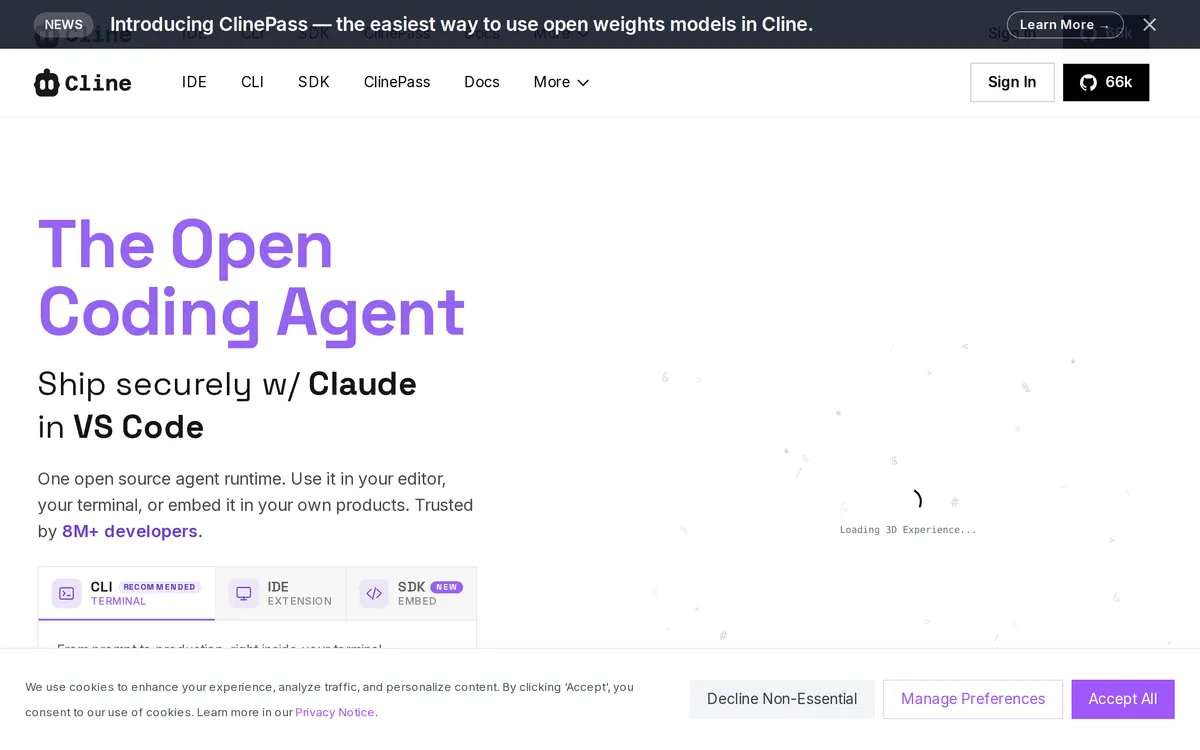
Cline is an Apache 2.0 open source AI coding agent that runs inside IDEs, command line interfaces, and embedded SDK applications. It features a Plan-and-Act paradigm to perform multi-file edits, handle linter fixes, and execute terminal commands. The platform supports model providers such as Claude, GPT, Gemini, and local Ollama instances.
GitHub Copilot
AI pair programmer built into your editor
GitHub Copilot suggests code inline as you type and answers coding questions in a chat panel. It runs in VS Code, JetBrains IDEs, Neovim, Visual Studio, and the GitHub web UI, and includes review, agent, and CLI features on higher plans.
Also in code
A tool we have an affiliate relationship with. It is not part of the comparison above and we are not calling it the better pick.

- Automating end-to-end tests for pull requests
- Testing third-party web apps without source code access
- Validating desktop, web, and extension user interfaces
Key features
Cline
- Multi-file edits with linter-aware fixes, diffs, and one-click undo
- Plan-and-Act workflow modes for strategic alignment and execution
- Terminal command execution and real-time response monitoring
- Plugin support using Model Context Protocol (MCP) servers
GitHub Copilot
- Inline code completions in major IDEs
- Chat and code explanations in-editor
- Agent mode for multi-file changes
- Pull request summaries and reviews on GitHub
- Choice of underlying models on paid plans
What each one does well
Cline
- ✓ Executing multi-file codebase refactoring and edits
- ✓ Automating recurring developer tasks in terminal environments
- ✓ Connecting coding workflows to databases and external tools via MCP plugins
GitHub Copilot
- ✓ Speeding up boilerplate and repetitive code
- ✓ Learning an unfamiliar language or API through in-editor chat
- ✓ Teams that already use GitHub for source control and reviews
People also ask
What is the difference between Cline and GitHub Copilot?
Cline and GitHub Copilot are both tracked for ide-integration. Of the capabilities they do not share, only Cline is tracked for agentic-coding, code-editor, codebase-context, refactoring, workflow-automation, and only GitHub Copilot is tracked for code-completion, ai-chat, pair-programming.
How much do Cline and GitHub Copilot cost?
Cline: free. GitHub Copilot: free plan, then $10/mo.
Answers are generated from the tracked plans and capability tags shown above, so they move when the vendors' pages do.
Full fact sheets, FAQs, and discussion links: Cline · GitHub Copilot · all code tools