Descript vs Submagic
Cheapest paid tier each vendor publishes. Free plans are listed above; tiers priced on request are not plotted because there is no figure to plot.
Where they differ

Only on Descript
- Audio editing
- Transcription
- Screen recording
- Also on macOS and Windows

Only on Submagic
- Lower entry price: $12/mo against $24/mo
- Speech-to-text
- Translation
- Sound effects
- Also on API
From the pricing tiers and capability tags we track. A capability missing on one side means we have not recorded it there, not that the tool cannot do it.
At a glance
Descript and Submagic both appear in this directory's video listings. Prices below were read from the vendors' own pages, most recently on October 19, 2026. Paid plans start at $24/mo on Descript and $12/mo on Submagic. We track audio editing on Descript and speech to text on Submagic; both cover video editing. No score and no winner: the facts do the picking.
Capability tags are factual labels we assign when a tool is added; they describe what a tool does, not how well it does it.
Checked against the vendors. Written from each vendor's own site and last re-checked there: Descript on October 12, 2026 · Submagic on October 19, 2026. Vendors change pricing and features without notice, so confirm anything that decides your purchase on the vendor's page.
Descript
AI-powered video and audio editing, transcription, and screen recording

Descript is an AI-powered media editor for video, audio, and podcasts. It enables users to edit media by editing its automatically generated transcript. The platform also includes screen recording and transcription services.
Submagic
Edit shorts faster with AI
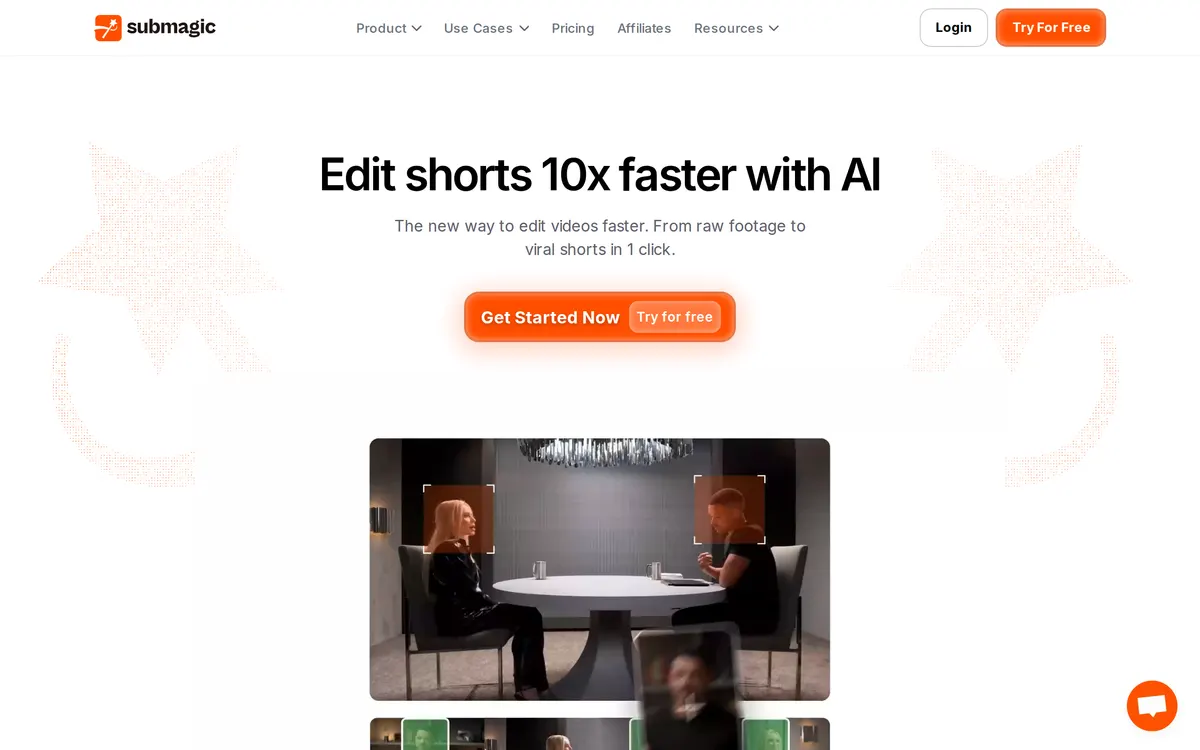
Submagic is an AI-powered video editor that automatically adds captions, removes silences, inserts B-roll, and repurposes long videos into shorts. It supports exports up to 4K at 60 frames per second and includes social media scheduling tools.
Also in video
A tool we have an affiliate relationship with. It is not part of the comparison above and we are not calling it the better pick.

- Recording remote podcasts with separate audio and video tracks
- Editing video interviews by directly editing auto-generated transcripts
- Generating short promotional clips and social media assets with AI
Descript and Submagic in action
Each vendor's own walkthrough, from its homepage or official YouTube channel. We don't make these videos and we don't rate them.
Descript
Submagic
Key features
Descript
- Text-based video and audio editing
- Automatic transcription services
- AI voice generation (Overdub)
- Integrated screen recording
- Studio Sound audio enhancement
Submagic
- AI auto captions in 123 languages
- Magic clips for repurposing long videos into shorts
- AI removal of silences and bad takes
- Direct social media scheduling and publishing
- AI avatars and B-roll generation
What each one does well
Descript
- ✓ Podcasters producing episodes
- ✓ Video creators streamlining edits
- ✓ Content producers needing transcription
Submagic
- ✓ Repurposing long-form videos into viral shorts
- ✓ Generating auto-captions in 123 languages
- ✓ Removing silences and bad takes from footage
People also ask
Which is cheaper, Descript or Submagic?
Submagic is cheaper: paid plans start at $24/mo for Descript and $12/mo for Submagic.
Does Descript or Submagic have a free plan?
Descript has a free plan, and Submagic publishes no free plan.
What is the difference between Descript and Submagic?
Descript and Submagic are both tracked for video-editing. Of the capabilities they do not share, only Descript is tracked for audio-editing, transcription, screen-recording, voice-cloning, and only Submagic is tracked for speech-to-text, translation, sound-effects, workflow-automation.
How much do Descript and Submagic cost?
Descript: free plan, then $24/mo. Submagic: from $12/mo.
Answers are generated from the tracked plans and capability tags shown above, so they move when the vendors' pages do.
Full fact sheets, FAQs, and discussion links: Descript · Submagic · all video tools