Notion AI vs Otter.ai
Cheapest paid tier each vendor publishes. Free plans are listed above; tiers priced on request are not plotted because there is no figure to plot.
Where they differ
Only on Notion AI
- Writing assistant
- Knowledge base
- AI chat
- Also on macOS and Windows
Only on Otter.ai
- Lower entry price: $8.33/mo against $10/mo
- Transcription
- Meeting notes
- Speaker identification
- Also on Chrome extension
From the pricing tiers and capability tags we track. A capability missing on one side means we have not recorded it there, not that the tool cannot do it.
At a glance
Notion AI and Otter.ai both appear in this directory's productivity listings. Prices below were read from the vendors' own pages, most recently on October 26, 2026. Paid plans start at $10/mo on Notion AI and $8.33/mo on Otter.ai. We track writing assistant on Notion AI and transcription on Otter.ai; both cover summarization. No score and no winner: the facts do the picking.
Capability tags are factual labels we assign when a tool is added; they describe what a tool does, not how well it does it.
Checked against the vendors. Written from each vendor's own site and last re-checked there: Notion AI on October 12, 2026 · Otter.ai on October 26, 2026. Vendors change pricing and features without notice, so confirm anything that decides your purchase on the vendor's page.
Notion AI
AI assistant built into the Notion workspace
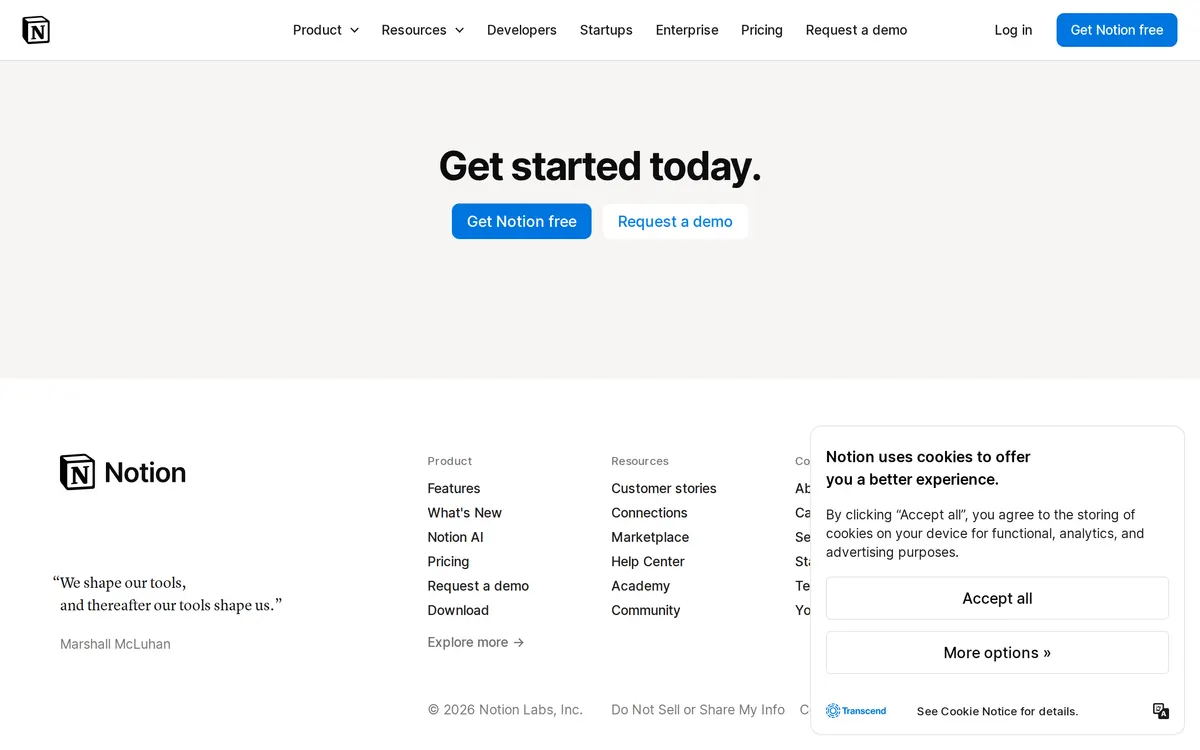
Notion AI is the AI assistant built into Notion. It drafts and edits text, summarizes pages and meetings, and answers questions using the contents of your workspace. Full access is included in Notion's Business and Enterprise plans.
Otter.ai
AI meeting assistant for audio recording, note-taking, and summaries
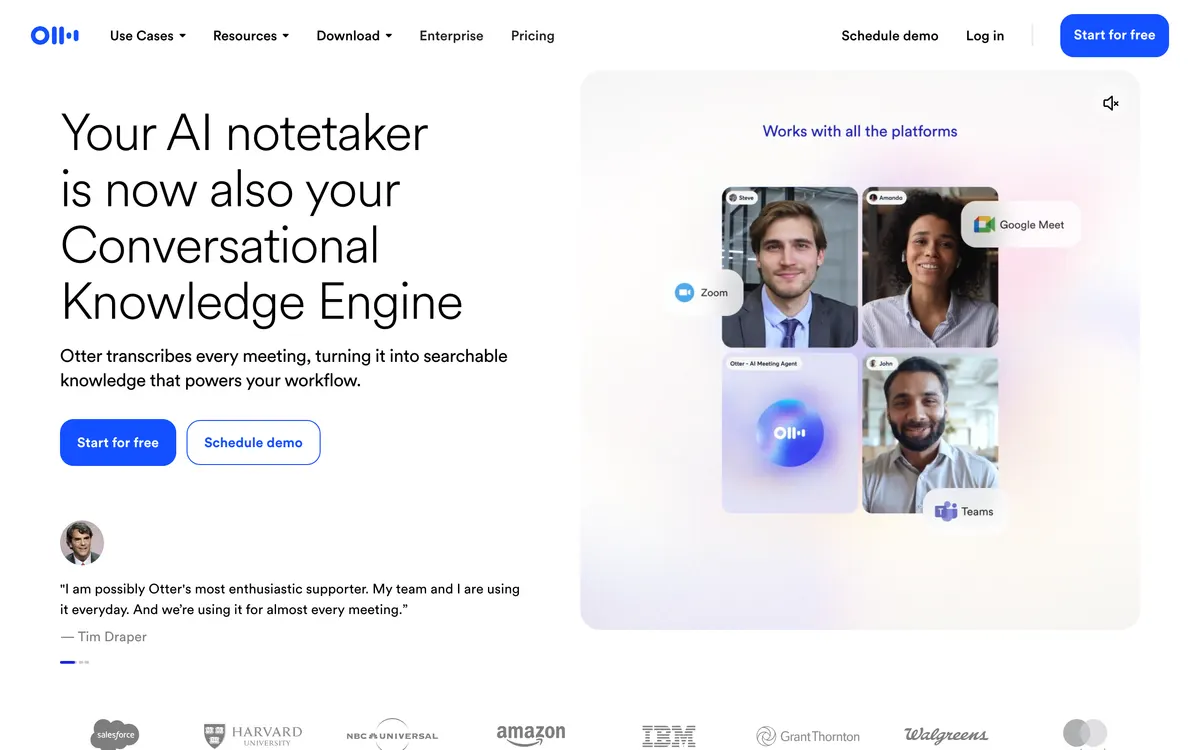
Otter.ai is an AI meeting assistant that records audio, transcribes conversations in real time, and generates summaries with action items. It joins virtual meetings automatically or records in person.
Also in productivity
A tool we have an affiliate relationship with. It is not part of the comparison above and we are not calling it the better pick.

- Transcribing and summarizing video calls across conferencing platforms
- Tracking conversation analytics like speaker talk-time and sentiment
- Syncing meeting notes and action items to CRMs and project management tools
Notion AI and Otter.ai in action
Each vendor's own walkthrough, from its homepage or official YouTube channel. We don't make these videos and we don't rate them.
Notion AI
Otter.ai
Key features
Notion AI
- Generate and rewrite text inside any page
- Summarize documents and meeting notes
- Q&A across your workspace and connected apps
- Translation and tone adjustments
- AI agents for multi-step tasks
Otter.ai
- Live transcription of spoken audio
- Automated meeting summaries
- Speaker identification
- Action item extraction
- Integration with calendar and video conferencing platforms
What each one does well
Notion AI
- ✓ Drafting and editing documents where your notes already live
- ✓ Summarizing long pages and meeting transcripts
- ✓ Asking questions across a team wiki or knowledge base
Otter.ai
- ✓ Transcribing live meetings and interviews
- ✓ Generating automated meeting notes and summaries
- ✓ Improving accessibility for spoken content
People also ask
Which is cheaper, Notion AI or Otter.ai?
Otter.ai is cheaper: paid plans start at $10/mo for Notion AI and $8.33/mo for Otter.ai.
Does Notion AI or Otter.ai have a free plan?
Both Notion AI and Otter.ai publish a free plan.
What is the difference between Notion AI and Otter.ai?
Notion AI and Otter.ai are both tracked for summarization. Of the capabilities they do not share, only Notion AI is tracked for writing-assistant, knowledge-base, ai-chat, notes, and only Otter.ai is tracked for transcription, meeting-notes, speaker-identification.
How much do Notion AI and Otter.ai cost?
Notion AI: free plan, then $10/mo. Otter.ai: free plan, then $8.33/mo.
Answers are generated from the tracked plans and capability tags shown above, so they move when the vendors' pages do.
Full fact sheets, FAQs, and discussion links: Notion AI · Otter.ai · all productivity tools