Canva
Design AI-powered social posts, videos, presentations, and visual content
Where people discuss it: Product Hunt ↗
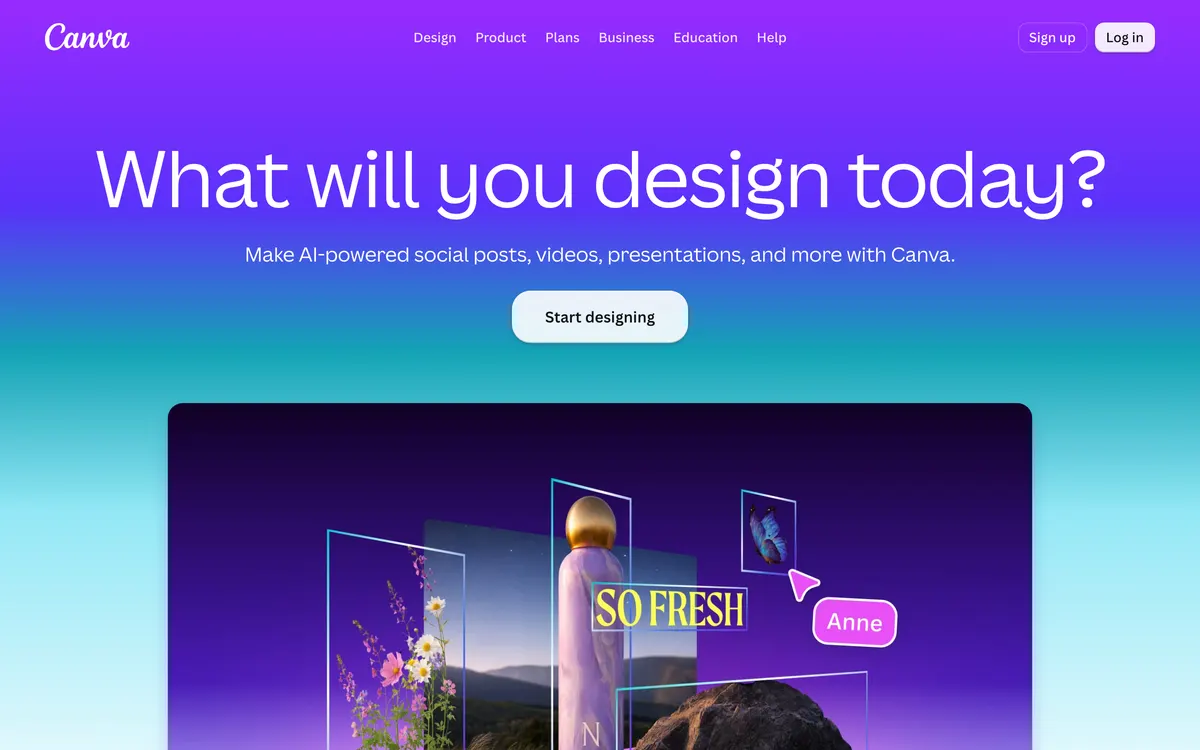
Canva brings graphic design, video editing, presentation creation, and print services together into a single suite called the Visual Suite. Its AI capabilities include generating images from text, upscaling photo resolution, generating subtitles, and erasing unwanted objects from media. It also offers brand kits, layout animations, and organization-level plans for businesses and enterprise teams. The core platform is available for free with paid upgrades for advanced features and organizations.
- Category:
- Image
- Price:
- Free plan, then $180/yr
- Free plan:
- Yes
- Works on:
- Web
Canva pricing
As printed on canva.com on October 19, 2026
Figures are copied from the vendor's own pricing page, never calculated or converted, and a tier we could not confirm is left out rather than estimated. Pricing changes without notice. Check canva.com before you buy ↗
At a glance
- Free trial
- Not listed
- Team plan
- Yes
- Open source
- No
- Self-hostable
- No
- Capabilities
- Image editing Image generation Presentations Video editing Templates Upscaling
Featured on
Under review since : our re-check against canva.com did not confirm every detail below (contradicted by source). Check the vendor before you buy. How we check.
Compare Canva
Ordered by how often each comparison is searched, taken from Google's autocomplete suggestions. Pricing on both sides comes from the vendors' own pages.
All Canva alternatives

What Canva does well
- ✓ Creating branded social media graphics and marketing materials
- ✓ Building AI-assisted slide decks and presentations
- ✓ Editing short-form videos with automated captions and stock assets
Key features
- AI Image Generator and Image Upscaler
- Magic Eraser and one-click Background Remover for images and video
- Magic Layers to turn flat images into editable layouts
- Magic Write for text generation and editing
- Full video editor with stock clips, animations, and AI-powered captions
A tool we have an affiliate relationship with. Not a recommendation over Canva.

- Generating multi-format ad visuals quickly
- Analyzing competitor ad creative strategies
- Creating UGC-style video ads from single image uploads
People also ask
What AI tools are included in Canva? +
Canva includes an AI Image Generator, Magic Write for text, Magic Layers for editable layouts, Magic Eraser, and automated video captions.
Can Canva remove backgrounds from videos as well as images? +
Yes, Canva provides a single-click Background Remover that works on both photos and video clips.
Does Canva offer solutions for large organizations? +
Yes, Canva provides Canva Enterprise, an end-to-end platform tailored for large organizations, alongside dedicated business setups.
Is Canva free? +
Yes, Canva has a free plan. Paid plans start at $180/yr.
How much does Canva cost? +
Canva lists 4 plans: Free, Pro at $180/yr, Business at $250/yr, Enterprise (custom pricing).
What platforms does Canva run on? +
Canva runs on Web.
A new AI tool every weekday, in your inbox
Tools like Canva, delivered daily. No hype, 30 seconds to read. Free, unsubscribe anytime.
Pricing & Product Hunt
We track and organize AI tools. We don't rate them. These links go to the tool's own listing and discussion pages so you can judge for yourself.
For the Canva team: add a badge to your site
Canva was the AI Tool of the Day on August 29, 2026. The badge says that and links here. It is a fact about this listing, not a rating or an award.


Launch post, changelog or press page? The Canva kit has a one-line mention, the share card and ready-to-post text.
More image AI tools
View all image tools →
Turn text into editable diagrams, charts, and presentations

AI powered ad and social media content creation platform

Generative media creation tools and models for enterprises and creators

AI background remover and photo editor for product imagery