CapCut vs Pika
Cheapest paid tier each vendor publishes. Free plans are listed above; tiers priced on request are not plotted because there is no figure to plot.
Where they differ

Only on Pika
- Lower entry price: $10/mo against $19.99/mo
- Sound effects
- Upscaling
- Also on Discord
From the pricing tiers and capability tags we track. A capability missing on one side means we have not recorded it there, not that the tool cannot do it.
At a glance
CapCut and Pika both appear in this directory's video listings. Prices below were read from the vendors' own pages, most recently on October 12, 2026. Paid plans start at $19.99/mo on CapCut and $10/mo on Pika. We track audio editing on CapCut and sound effects on Pika; both cover text to video and video editing. No score and no winner: the facts do the picking.
Capability tags are factual labels we assign when a tool is added; they describe what a tool does, not how well it does it.
Checked against the vendors. Written from each vendor's own site and last re-checked there: CapCut on October 12, 2026 · Pika on October 5, 2026. Vendors change pricing and features without notice, so confirm anything that decides your purchase on the vendor's page.

CapCut
AI-powered creative platform for video image and audio editing
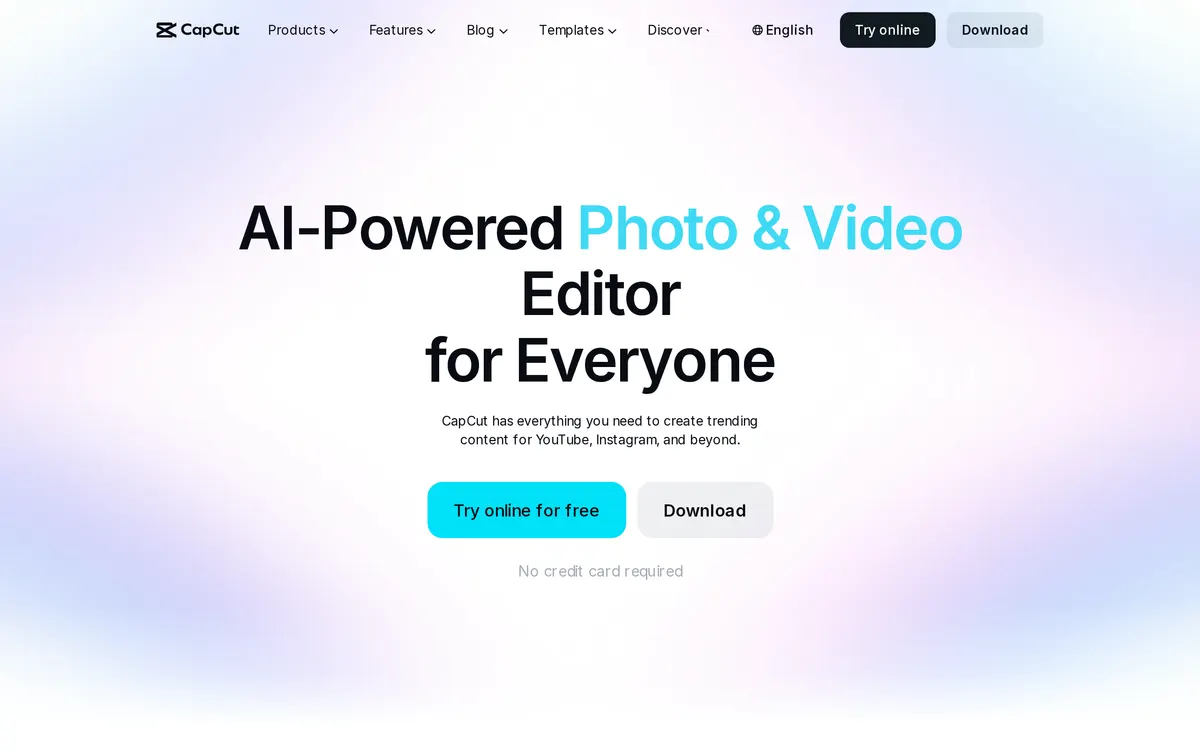
CapCut is a creative production platform featuring an Online Video Editor, AI Video Generator, and Photo Editor across web, desktop, and mobile surfaces. Creators can export HD videos without watermarks, generate text-to-speech narration, and remove backgrounds with single-click tools. It includes specialized utilities like Video Studio, AI Generative Fill, and Auto Caption Generator.
Pika
AI video generator for creating and editing animated clips

This AI-powered platform generates short videos from text prompts, static images, or existing video files. Creators control camera movements and edit specific elements within a scene using the Modify Region tool. The software runs directly in web browsers and on Discord.
Also in video
A tool we have an affiliate relationship with. It is not part of the comparison above and we are not calling it the better pick.

- Turning product documentation into feature walkthroughs
- Creating multi-language video localization and translation
- Automating social media video content and product launches
Key features
CapCut
- AI Video Studio and text-to-video generation
- One-click background remover for images and video
- AI text-to-speech generator and voice enhancer
- Auto caption generator and subtitle translator
Pika
- Text-to-video and image-to-video generation
- Inpainting and outpainting via Modify Region and Expand Canvas
- Lip Sync tool for adding voiceovers to characters
- Camera control settings for pan, tilt, and zoom adjustments
What each one does well
CapCut
- ✓ Repurposing long videos into short social clips
- ✓ Removing background noise and isolating audio tracks
- ✓ Generating subtitles and speech in multiple languages
Pika
- ✓ Generating short animated clips from text prompts
- ✓ Modifying specific regions of an existing video using AI
- ✓ Adding synchronized audio and sound effects to generated videos
People also ask
Which is cheaper, CapCut or Pika?
Pika is cheaper: paid plans start at $19.99/mo for CapCut and $10/mo for Pika.
Does CapCut or Pika have a free plan?
Both CapCut and Pika publish a free plan.
What is the difference between CapCut and Pika?
CapCut and Pika are both tracked for text-to-video, video-editing, video-generation. Of the capabilities they do not share, only CapCut is tracked for audio-editing, image-editing, text-to-speech, and only Pika is tracked for sound-effects, upscaling.
How much do CapCut and Pika cost?
CapCut: free plan, then $19.99/mo. Pika: free plan, then $10/mo.
Answers are generated from the tracked plans and capability tags shown above, so they move when the vendors' pages do.
Full fact sheets, FAQs, and discussion links: CapCut · Pika · all video tools