
Pika
AI video generator for creating and editing animated clips
Worth knowing: Free plan: 0 credits / month · packs only
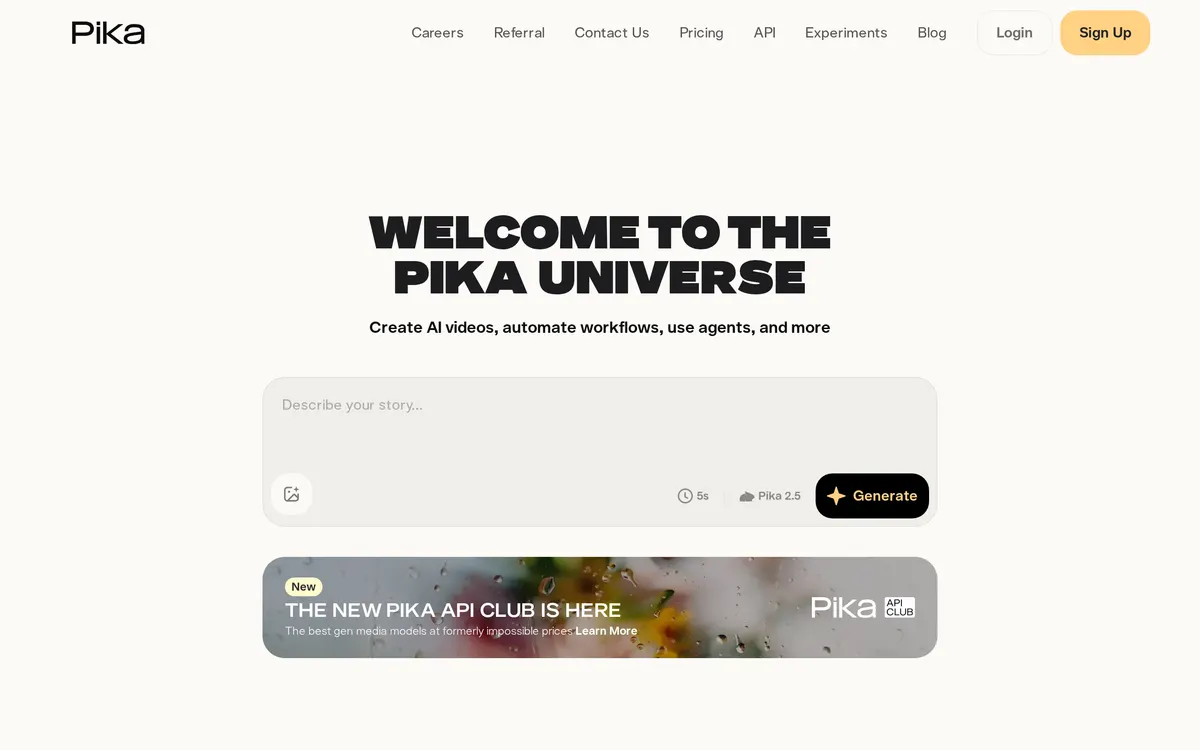
Pika functions as an idea-to-video platform that translates written descriptions into 3D animations, anime, or cinematic clips. The system processes inputs to generate four-second video segments, which can be extended or upscaled to higher resolutions. The Free plan includes no monthly credits, so generating requires a credit pack; paid plans include monthly credits, and a commercial license starts on the Creator plan.
- Category:
- Video
- Price:
- Free plan, then $10/mo
- Free plan:
- Yes
- Works on:
- Web, Discord
- Prices checked:
- , against pika.art
Pika pricing
As printed on pika.art on October 5, 2026
Figures are copied from the vendor's own pricing page, never calculated or converted, and a tier we could not confirm is left out rather than estimated. Pricing changes without notice. Check pika.art before you buy ↗
What changed
All tracked changes →Pika added the Basic plan at free.
· source ↗
Recorded when a weekly re-read of the vendor's pages finds a tracked figure has moved. It says what the pages showed on two dates and nothing about why.
At a glance
- Free trial
- Not listed
- Team plan
- Yes
- Open source
- No
- Self-hostable
- No
- Capabilities
- Video generation Video editing Sound effects Text-to-video Upscaling
Featured on
Last confirmed: against pika.art. Information may have changed since then; check the vendor before you buy. How we check.
Compare Pika
Ordered by how often each comparison is searched, taken from Google's autocomplete suggestions. Pricing on both sides comes from the vendors' own pages.
All Pika alternatives



What Pika does well
- ✓ Generating short animated clips from text prompts
- ✓ Modifying specific regions of an existing video using AI
- ✓ Adding synchronized audio and sound effects to generated videos
Key features
- Text-to-video and image-to-video generation
- Inpainting and outpainting via Modify Region and Expand Canvas
- Lip Sync tool for adding voiceovers to characters
- Camera control settings for pan, tilt, and zoom adjustments
A tool we have an affiliate relationship with. Not a recommendation over Pika.

- Repurposing long videos into short social clips
- Removing background noise and isolating audio tracks
- Generating subtitles and speech in multiple languages
People also ask
Can I edit existing videos with Pika? +
Yes, the platform supports video-to-video generation and features a Modify Region tool to edit specific elements within an uploaded video.
Does Pika generate sound? +
Yes, Pika includes built-in sound effects generation and a Lip Sync feature to match character mouth movements with audio.
Is Pika free? +
Yes, Pika has a free plan (0 credits / month · packs only), as of October 5, 2026. Paid plans start at $10/mo.
How much does Pika cost? +
As of October 5, 2026, Pika lists 5 plans: Free, Starter at $10/mo, Creator at $35/mo, Fancy at $95/mo, Enterprise (custom pricing).
What platforms does Pika run on? +
Pika runs on Web, Discord.
A new AI tool every weekday, in your inbox
Tools like Pika, delivered daily. No hype, 30 seconds to read. Free, unsubscribe anytime.
Pricing
We track and organize AI tools. We don't rate them. We link a Product Hunt listing or a Reddit thread when we have confirmed a real one for this tool, and nothing when we haven't.
For the Pika team: add a badge to your site
Pika was the AI Tool of the Day on July 20, 2026. The badge says that and links here. It is a fact about this listing, not a rating or an award.


Launch post, changelog or press page? The Pika kit has a one-line mention, the share card and ready-to-post text.
More video AI tools
View all video tools →
Online and desktop video editor with built-in AI tools

Edit shorts faster with AI

AI video creation, made for social

AI video ad generator with digital actors and creative workflows