
Lindy
Personal AI work assistant for inbox meetings and calendar task delegation
By Daily AI Tools · Last updated · How we track tools
Last confirmed: against lindy.ai. Information may have changed since then; check the vendor before you buy. How we check.
Compiled from public sources, not a hands-on review. We don't publish ratings or scores.
These links are affiliate links: we may earn a commission if you sign up, at no extra cost to you. It does not affect what we track or how Lindy is listed. How we make money
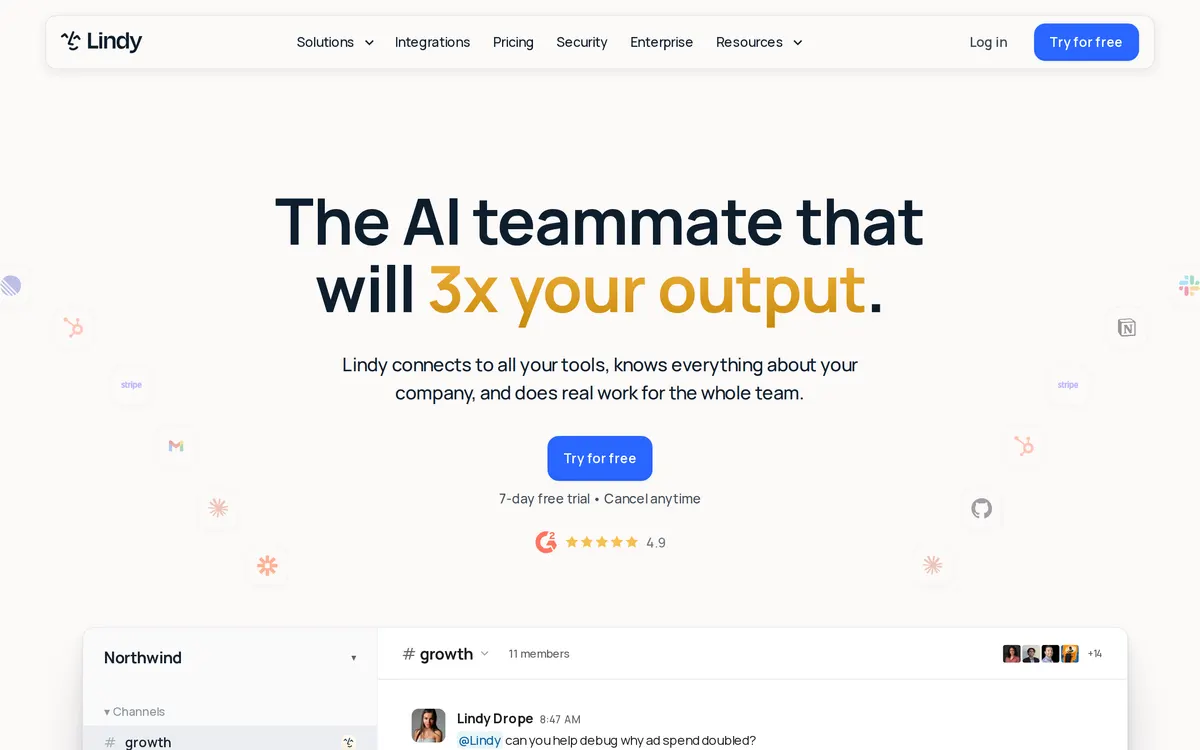
Operating as an automated executive assistant, Lindy processes background administrative tasks across connected software tools. It drafts contextual email replies, prepares pre-call briefs, records meeting action items, and updates records in CRM tools like Salesforce or HubSpot. Subscriptions start with monthly plans alongside a seven-day free trial and customized Enterprise options.
- Works on:
- Web, iOS, Android
- Integrates with:
- Gmail, Outlook, Google Calendar, Slack, Notion, HubSpot
What Lindy costs
As printed on lindy.ai on August 31, 2026
Figures are copied from the vendor's own pricing page, never calculated or converted, and a tier we could not confirm is left out rather than estimated. Pricing changes without notice. Check lindy.ai before you buy ↗
What changed
All tracked changes →Lindy's Plus plan went from $49.99 to $29.99.
· source ↗
Recorded when a weekly re-read of the vendor's pages finds a tracked figure has moved. It says what the pages showed on two dates and nothing about why.
Compare Lindy
Ordered by how often each comparison is searched, taken from Google's autocomplete suggestions. Pricing on both sides comes from the vendors' own pages.
All Lindy alternatives




What Lindy does well
- ✓ Delegating administrative work through iMessage or SMS
- ✓ Triaging email inboxes and drafting contextual replies
- ✓ Automating calendar scheduling, meeting recaps, and CRM updates
Key features
- Email inbox triage, priority labeling, and response drafting
- Meeting preparation briefs, live notes, and recap emails
- Calendar coordination and automated meeting scheduling
- Mobile task delegation via SMS and iMessage
People also ask
How do you send tasks to Lindy? +
Tasks can be delegated directly via iMessage, standard SMS, the web interface, or connected apps such as Gmail and Slack.
Does Lindy send emails automatically without user review? +
No. Lindy drafts emails for review, requiring user approval before messages are sent.
Is user data used to train AI models? +
No. Lindy uses enterprise-grade encryption and does not sell user data or use it to train AI models.
Is Lindy free? +
No. Lindy publishes no free plan. Paid plans start at $29.99/mo.
How much does Lindy cost? +
Lindy lists 4 plans: Plus at $29.99/mo, Pro at $99.99/mo, Max at $199.99/mo, Enterprise (custom pricing).
What platforms does Lindy run on? +
Lindy runs on Web, iOS, Android.
What does Lindy integrate with? +
Lindy officially integrates with Gmail, Outlook, Google Calendar, Slack, Notion, HubSpot.
Has Lindy changed its pricing recently? +
As of August 10, 2026, Lindy's Plus plan went from $49.99 to $29.99.
At a glance
- Pricing model
- paid
- Category
- automation
- Website
- lindy.ai ↗
- Featured on
- Capabilities
- ai-agents calendar email-writing meeting-notes scheduling workflow-automation
A new AI tool every weekday, in your inbox
Tools like Lindy, delivered daily. No hype, 30 seconds to read. Free, unsubscribe anytime.
Pricing & Product Hunt
We track and organize AI tools. We don't rate them. These links go to the tool's own listing and discussion pages so you can judge for yourself.